
Free · My Pool
Pool Chemistry Log
Track your pool water, understand your ORP trends, and remember what to do next.
- 1Enter a readingORP, pH, or whatever you tested. One number is enough; skip the rest.
- 2Save it with a free accountAbout 30 seconds. Your pool is created for you; name, units and details are optional.
- 3Come back to graphs and historyWhat you added, what you cleaned, and how your readings moved since.
Already logging? Sign in. No subscription, no credit card, export anytime.
Start here
Log your first test
ORP and pH alone are fine. Blank means not tested, never zero.
See your water change, not guess at it
Separate ORP and pH panels on the same dates, with the chlorine you added and the cleanings you did marked where they happened. Only what you entered is plotted; nothing is estimated between tests.
The example graph needs JavaScript. It shows two weeks of sample ORP and pH readings with a chlorine addition and a robot run marked.
Example readings are sample data for illustration. They are never mixed with your account records.
What the log keeps for you
Three kinds of entries: what you observed, what you added, and what you cleaned. Each reading carries its own measurement time and source, so an ORP value copied from the ICO app an hour ago never pretends it was taken with this morning’s chlorine test.
Log a Test
ORP, pH, free chlorine and temperature in the quick form. Total and combined chlorine, alkalinity, calcium hardness, CYA, salt and TDS when you have them. Save one number or a full panel.
Log Chemicals Added
The product, its strength, the actual amount you poured, when, and what it cost. A calculation stays a calculation until you record what you really added.
Log Maintenance
Robot runs, manual vacuuming, brushing, skimming, filter cleaning, water added, pump and salt-cell changes, meter calibration, opening and closing. Minutes spent, if you like.
Readings it tracks, with the reference ranges the log uses
Reference ranges are general guidance shared with our calculators. You can set your own target ranges in My Pool; the log always shows which of the two it is comparing against.
Why save an account
Your first test can be entered right now, no account needed. Saving it is what turns one reading into a record you can learn from.
Your pool, once
Name, sanitizer, volume, surface, equipment and timezone saved with the log, so every entry already knows your pool.
History and graphs
7, 30 and 90 days, this season or any custom range. Tap any point for the value, unit, measurement time, source and your notes.
Paper by the pool, numbers in the log
Prefer a clipboard? Print the free log sheet, fill it in outside and type the numbers in later. Every entry can be backdated.
Honest summaries
“8 of 10 logged readings were within your selected range”, never “your pool was in range 80% of the month”. The log only knows what you entered.
Your data stays yours
Pool records are private to your account and never shown with your comments or anywhere public. Export everything as CSV whenever you want.
Free, and staying free
Saved pool information, manual entries, history, graphs and export. No subscription, no credit card.
What is ORP, and why does the log lead with it?
ORP (oxidation-reduction potential) is a millivolt reading of how strongly your water can oxidize contaminants. Rising or falling ORP is the earliest sign that your sanitizer’s working strength has changed, which is why the log puts it next to pH at the top of your dashboard and graphs the two on the same dates.
It is not a chlorine test. There is no universal conversion from millivolts to parts per million: pH, cyanuric acid, sunlight, temperature and the probe itself all change what a given ORP reading means. Pentair spells out those limits in its own ORP guidance, and Taylor’s reference table ties ORP to a calibrated disinfectant reading rather than one numeric target. That is why the log keeps free chlorine and CYA easy to see beside ORP and shows the age of every reading.
When a logged ORP reading drops
- Check pH first. High pH lowers ORP even when chlorine is unchanged.
- Take a proper chlorine test and log it next to the ORP value.
- Look at CYA. More stabilizer means a lower ORP for the same chlorine.
- Review recent maintenance: heavy bather load, rain, a refill, a filter clean.
The log prompts those checks. It never turns an ORP number into a chemical dose on its own; use the chlorine and pH calculators once you have a test in hand, then record what you actually added.
Where the ORP number comes from
Most owners get ORP from a smart pool monitor or a handheld meter. The ICO floats in the pool, measures ORP, pH, temperature and salt every hour and shows the values in its app. The log does not connect to it. You read the ORP value and its measurement time in the ICO app and type the millivolts in, which keeps that number together with your manual tests, chemical additions and cleanings in one place.
Printable
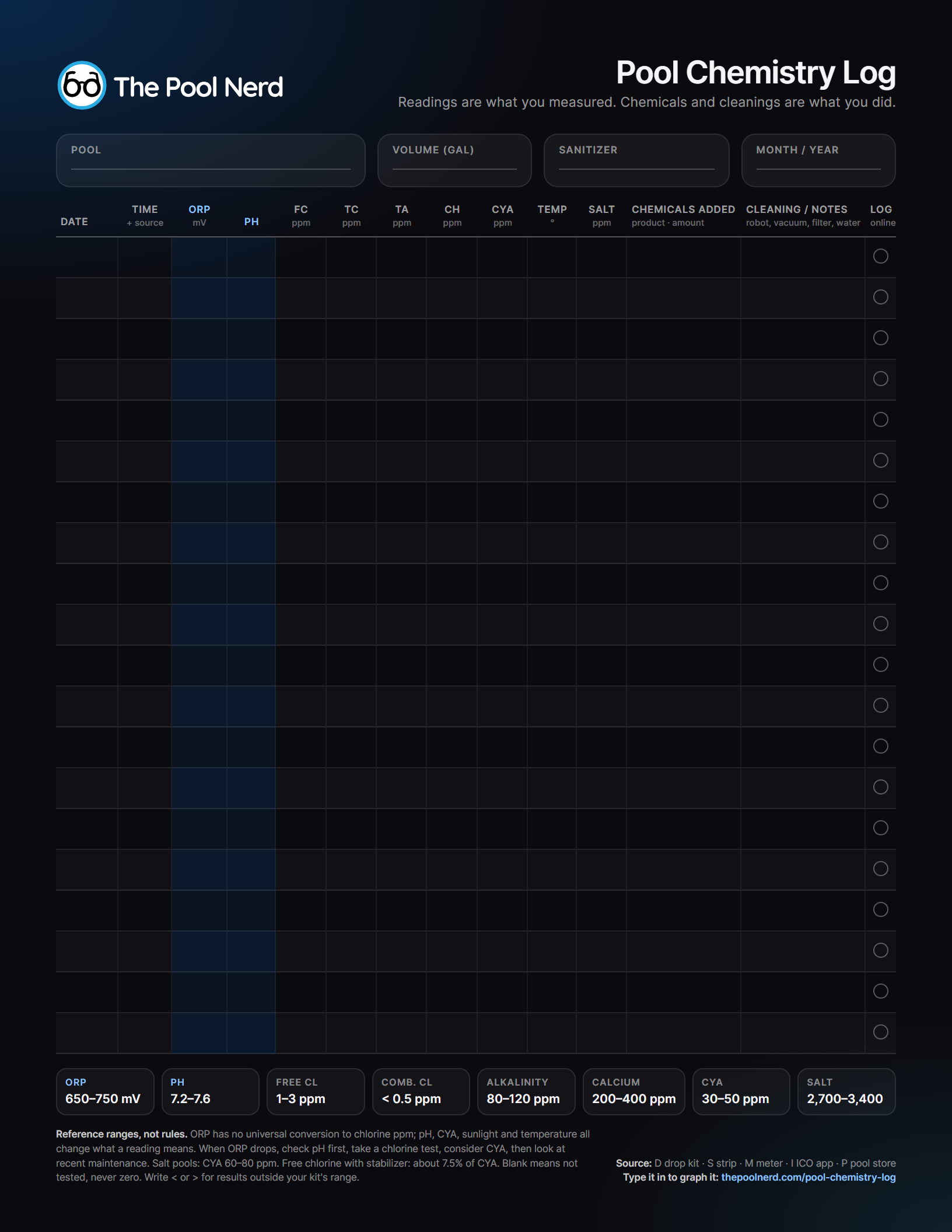
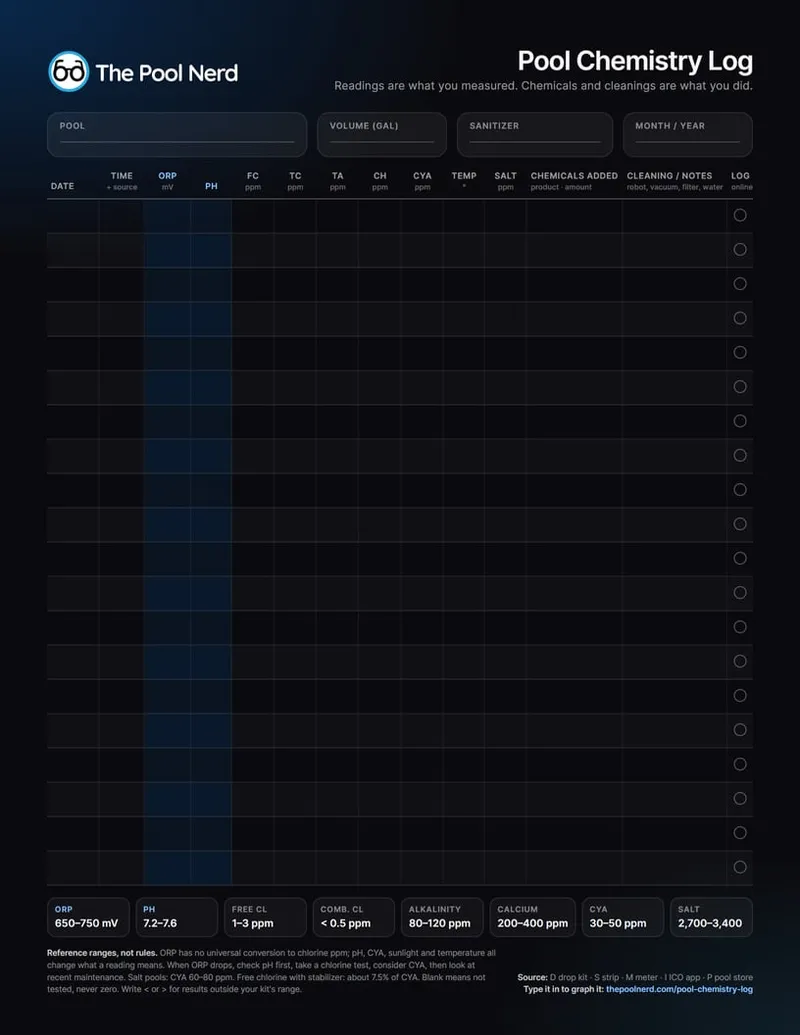
Pool Chemistry Log Sheet
A clean, dark, letter-size sheet for the clipboard by the pool: a month of tests with ORP, pH, chlorine, alkalinity, calcium, CYA, temperature and salt, room for what you added and cleaned, and the reference ranges at the bottom. Fill it in by hand, then type the numbers into your log whenever you are back inside.
Calculators and guides that go with the log
Work out a dose, then record what you actually added. The log keeps the test, the addition and the follow-up reading together.
Questions
Is the Pool Chemistry Log free?
Yes. Saving your pool, entering readings, chemicals and maintenance, graphs and CSV export are free and stay free. It uses the same free Pool Nerd account as commenting on the site.
Do I need an ICO or another monitor?
No. Log whatever you test with: a drop kit, strips, a digital meter, a pool-store printout or the ICO app. ORP is optional. If you want to track ORP, a monitor or handheld meter is how you get the number; the ICO is the one I use and recommend.
How often should I test?
For a residential pool the CDC recommends checking free chlorine and pH at least twice a day, and more often with heavy use. Log both and the graphs show how the water moved through the day.
Does the log tell me how much chemical to add?
No. A logged ORP reading can prompt you to check pH, take a chlorine test, consider CYA and look at recent maintenance, but a dose comes from a proper test and a calculator. Use the acid, chlorine or chemistry calculator, then record what you actually added so the next reading has context.
Can I enter readings from yesterday, or edit a mistake?
Yes. Every entry can be backdated, edited or deleted, and every reading keeps its own measurement time and source. Readings like “less than 0.5” or “above the test range” are supported by typing < or > before the number.
Is my pool data private?
Yes. Pool records are tied to your account and readable only by you. The display name you use for comments never makes your pool record public. You can export or delete everything at any time.